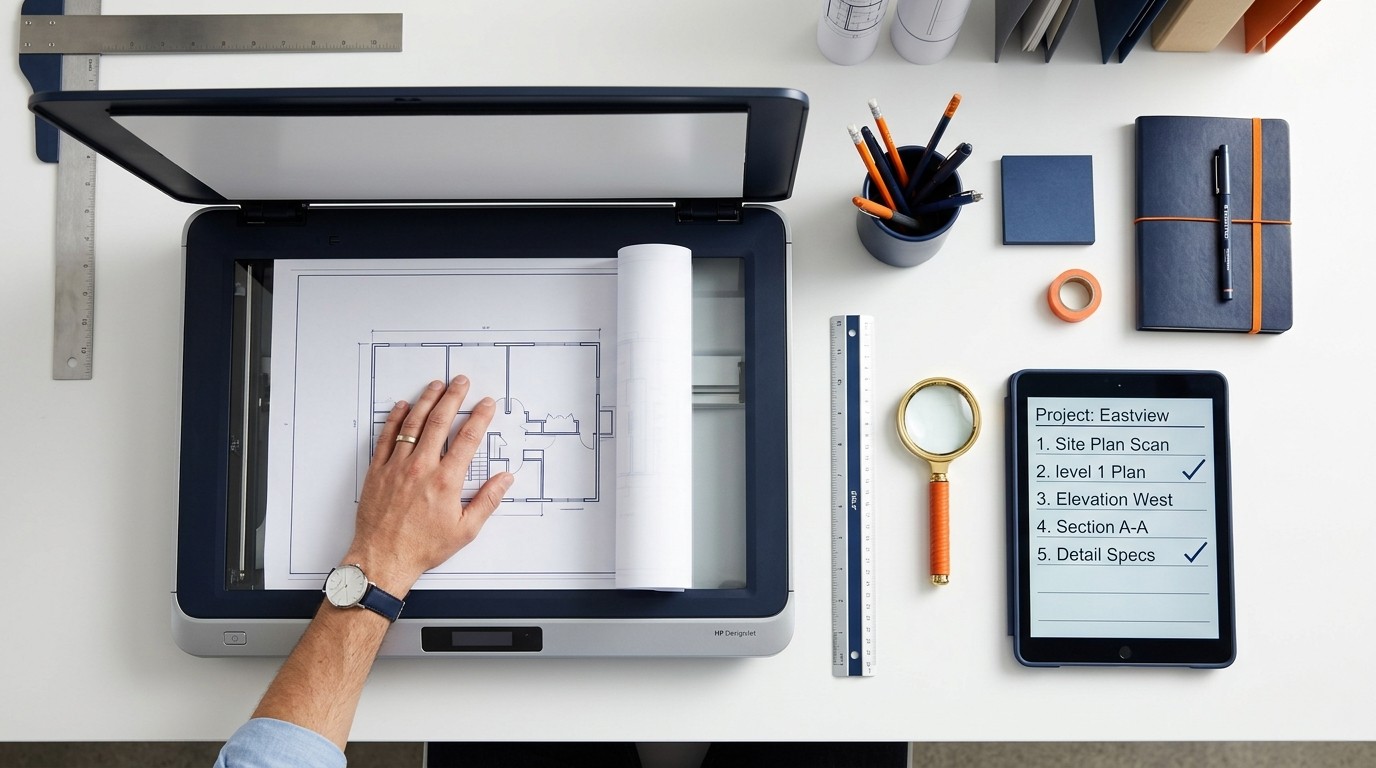
Getting the best possible results from your paper to CAD conversion starts before you even send your drawings. A little preparation on your end can significantly improve accuracy, reduce turnaround time, and ensure the final CAD files meet your exact requirements. Here's a practical guide to preparing your drawings.
Assess Your Drawing Condition
The quality of the source material directly affects the quality of the output. Before submitting drawings for conversion, take a moment to assess their condition:
- Legibility, Can all lines, text, and dimensions be clearly read? Faded or smudged areas will require interpretation by the drafter, which may introduce uncertainty.
- Completeness, Are all sheets present? Missing sections mean gaps in the final CAD file. If some sheets are unavailable, note this upfront so the conversion team can plan accordingly.
- Physical condition, Tears, folds, and stains can obscure important detail. If a drawing is badly damaged, let your conversion partner know so they can allocate extra time for careful interpretation.
A good rule of thumb: if you can read it clearly, we can convert it accurately. If you struggle to make out certain details, flag those areas for us.
Choose the Right Scanning Approach
If your drawings are still on paper, they'll need to be scanned before conversion can begin. The quality of the scan matters enormously:
Resolution
Scan at a minimum of 300 DPI (dots per inch). For drawings with fine detail or small text, 400 DPI or higher is recommended. Higher resolution gives the conversion team more detail to work with and produces better results.
Format
Save scans as TIFF or high-quality PDF. Avoid heavily compressed JPEGs, which introduce artefacts that can blur line edges and make fine detail difficult to distinguish.
Colour vs Monochrome
If your drawings use colour to distinguish different elements (e.g., red for electrical, blue for plumbing), scan in colour. For standard black-and-white drawings, a greyscale scan at high resolution is perfectly adequate.
Scale Reference
If possible, include a scale bar or known dimension in the scan. This helps the conversion team calibrate the drawing accurately, even if the scan isn't precisely to scale.
Provide Clear Specifications
The more information you provide upfront, the better the results. When submitting your drawings, include:
- Required output format, DWG (AutoCAD), DXF, PLN (ArchiCAD), or another format
- Scale, The intended drawing scale (e.g., 1:100, 1:50)
- Layer structure, If you have a preferred layering convention, provide it. Common layer categories include walls, doors, windows, dimensions, text, and services.
- Line weights and types, If your organisation uses specific line standards, share these as a reference
- Text standards, Preferred font, size, and style for annotations
- Drawing units, Metric (millimetres) or imperial (inches/feet)
If you don't have specific preferences, your conversion partner will apply industry-standard conventions. But the more guidance you provide, the closer the output will match your exact requirements.
Organise Your Submission
A well-organised submission helps avoid confusion and ensures nothing gets missed:
- Name your files clearly, Use descriptive names that identify the project, sheet number, and drawing type (e.g., "Project_Alpha_Sheet_03_Ground_Floor.pdf")
- Include a drawing list, A simple spreadsheet or document listing all drawings, their sheet numbers, and any specific notes saves time and prevents errors
- Note any problem areas, If certain sections of a drawing are damaged, illegible, or require special attention, flag them explicitly
- Separate by project, If you're submitting drawings from multiple projects, keep them in separate folders
What to Do If Your Drawings Aren't Ideal
Not every drawing is in perfect condition. Professional conversion teams are experienced at working with challenging source material. Here's what to expect:
- Faded drawings, Most detail can be recovered through careful examination and comparison with other sheets in the set
- Folded or creased originals, Creases can be compensated for during scanning. If you're scanning yourself, flatten the drawing as much as possible before scanning.
- Mixed scales, If different parts of a drawing are at different scales, note this. The conversion team can handle it, but knowing in advance prevents misinterpretation.
- Hand-drawn sketches, Even rough sketches can be converted to CAD. Include any dimensions or notes that clarify your intent.
A Quick Preparation Checklist
Before you submit your drawings, run through this checklist:
- All sheets are present and accounted for
- Scans are at 300+ DPI in TIFF or high-quality PDF
- Files are clearly named and organised
- Required output format is specified (DWG, DXF, PLN)
- Scale and units are noted
- Layer preferences are documented (if any)
- Problem areas are flagged
- A drawing list is included for large submissions
Ready to Submit Your Drawings?
Our team will review your files and provide a free quote within hours.
Get a Free Quote